5 easy steps to get started with our API products
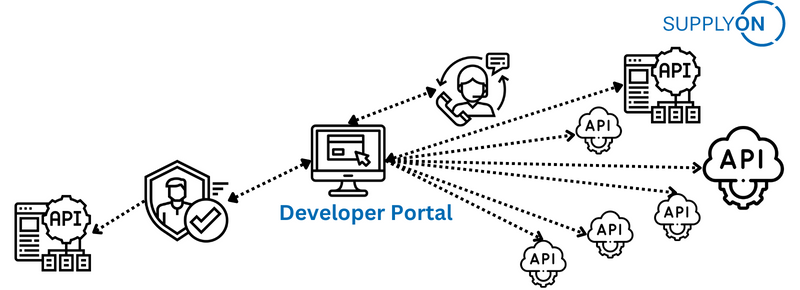
SupplyOn API Developer Portal enables developers to quickly discover and explore our APIs, easily find out how to use them, get access to help and support, and test out the APIs in a sandbox environment. Besides, developers can sign up to acquire keys and regularly regenerate keys to secure the application interaction.
Sign up
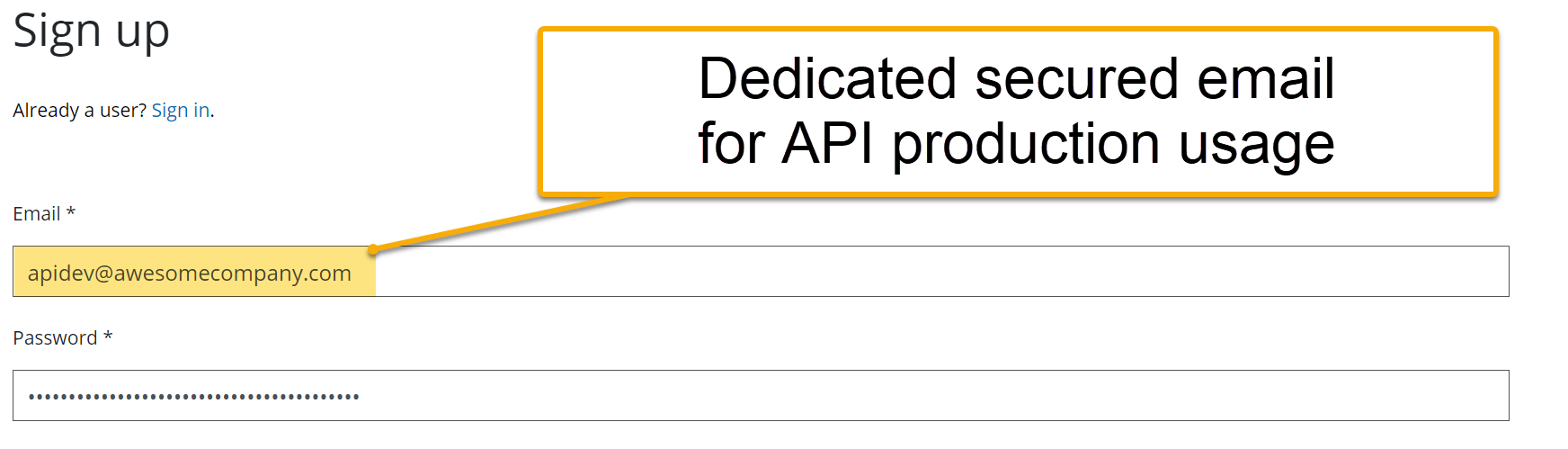
Create a developer account for tryout or production usage
We strongly recommend you to use a dedicated company email address that is not related to any person or daily business activities.
Get authenticated
You validate the link in email notification and we verify your request.
We would assign client specific APIs to you based on individual pre-agreement.
We might contact you to verify more details.
Register subscription
After approval, you log in and browse the product that is assigned to you.
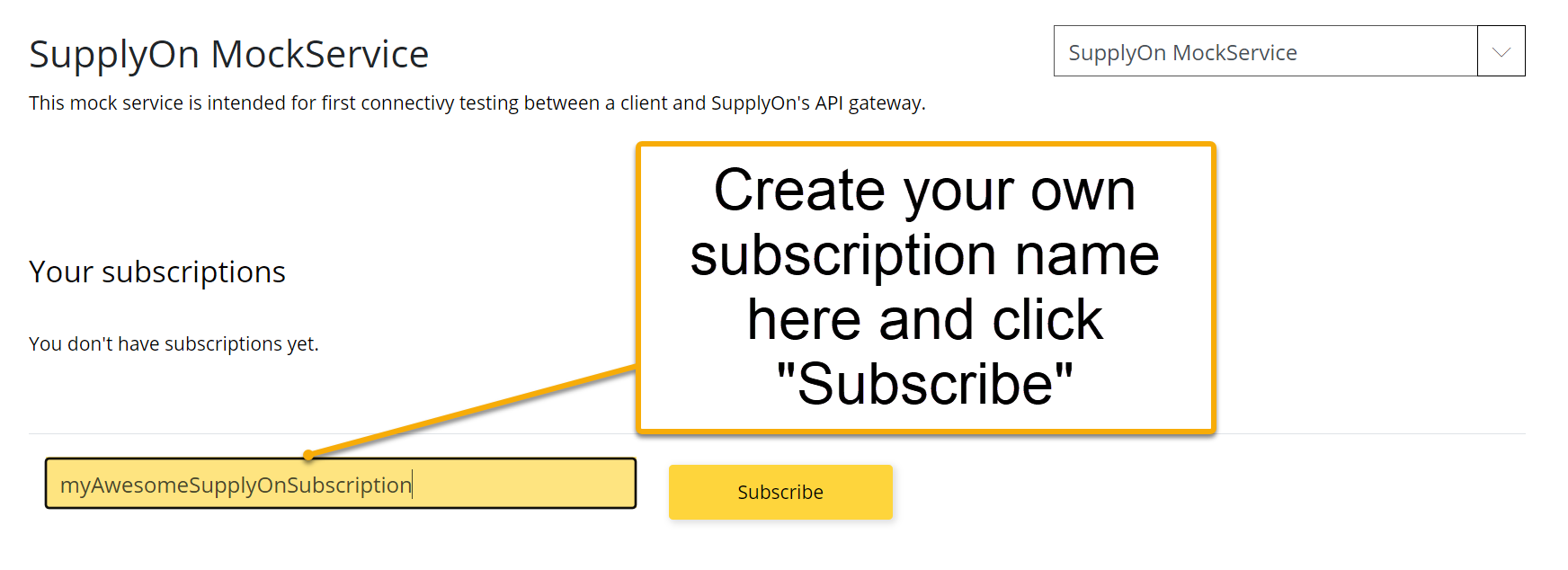
On the product page, you create subscription name and click the "Subscribe" button, then your subscription is registered.
Manage Keys
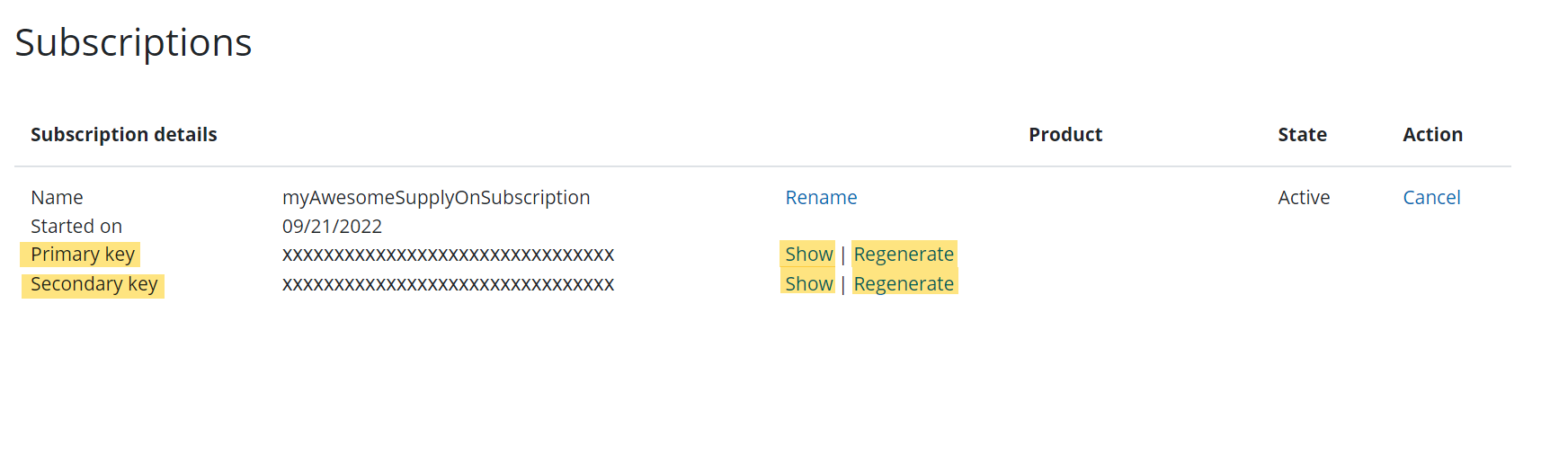
After subscription, in the Profile page under Subscription details you can view the primary and secondary key.
You can also regularly regenerate keys if your application policy requires it.
Use APIs
Awesome, now you can test our APIs in API Explorer!
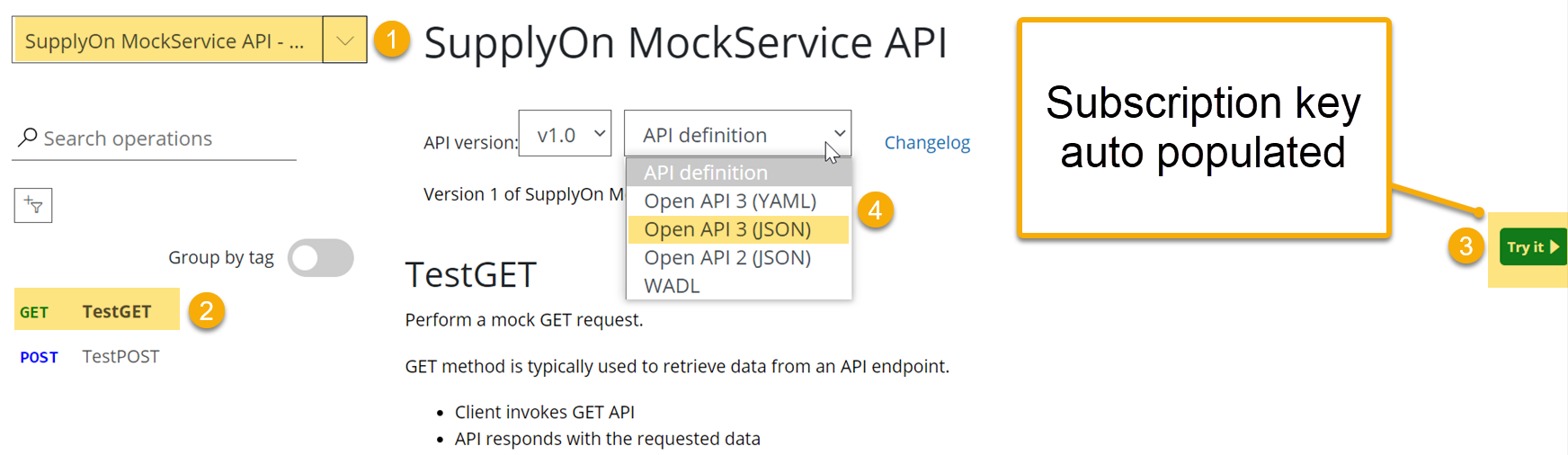
1. Select the API product in dropdown
2. Select the operation you want to test
3. Click "Try it" to enter the test console with auto populated subscription key
4. Select and export API specification